Artificial Intelligence for everyone
AI applications in senior daily life - A comprehensive guide to safe and effective use of artificial intelligence for older adults.
AI applications in senior daily life - A comprehensive guide to safe and effective use of artificial intelligence for older adults.

The “Artificial Intelligence for everyone - AI applications in senior daily life” project is an initiative by Fundacja Enabler, implemented in partnership with the Spanish organization CREA 360 SL under the Erasmus+ program. It responds to the growing interest among seniors in artificial intelligence and the need to practically understand its applications in daily life.
The main goal of the project is to develop and test a comprehensive educational offer that will introduce older adults to AI and demonstrate how technology can support their daily activities - from managing finances, through creating personalized materials (such as stories or recipes), to using digital assistants and health-supporting tools. Simultaneously, participants will learn about misinformation-related threats and ways to prevent them.
Additional activities will include workshops for seniors at the local level, provision of materials to University of the Third Age in the Pomeranian and Kuyavian-Pomeranian voivodeships, and training for educators.
The project involves seniors at risk of social exclusion (e.g., people with disabilities, low income, or living in poorly connected areas). Through the use of an individualized approach and consideration of participants' needs, the activities are inclusive and meet the “inclusion and diversity” standard.
The project implementation will bring lasting effects - educational materials will be made available in three languages (Polish, Spanish, and English), and the “Artificial Intelligence for everyone” program will be incorporated into the regular offer of both organizations. This initiative will help reduce the educational gap in AI utilization by older adults, increasing their digital competencies, independence, and sense of security in the digital world.

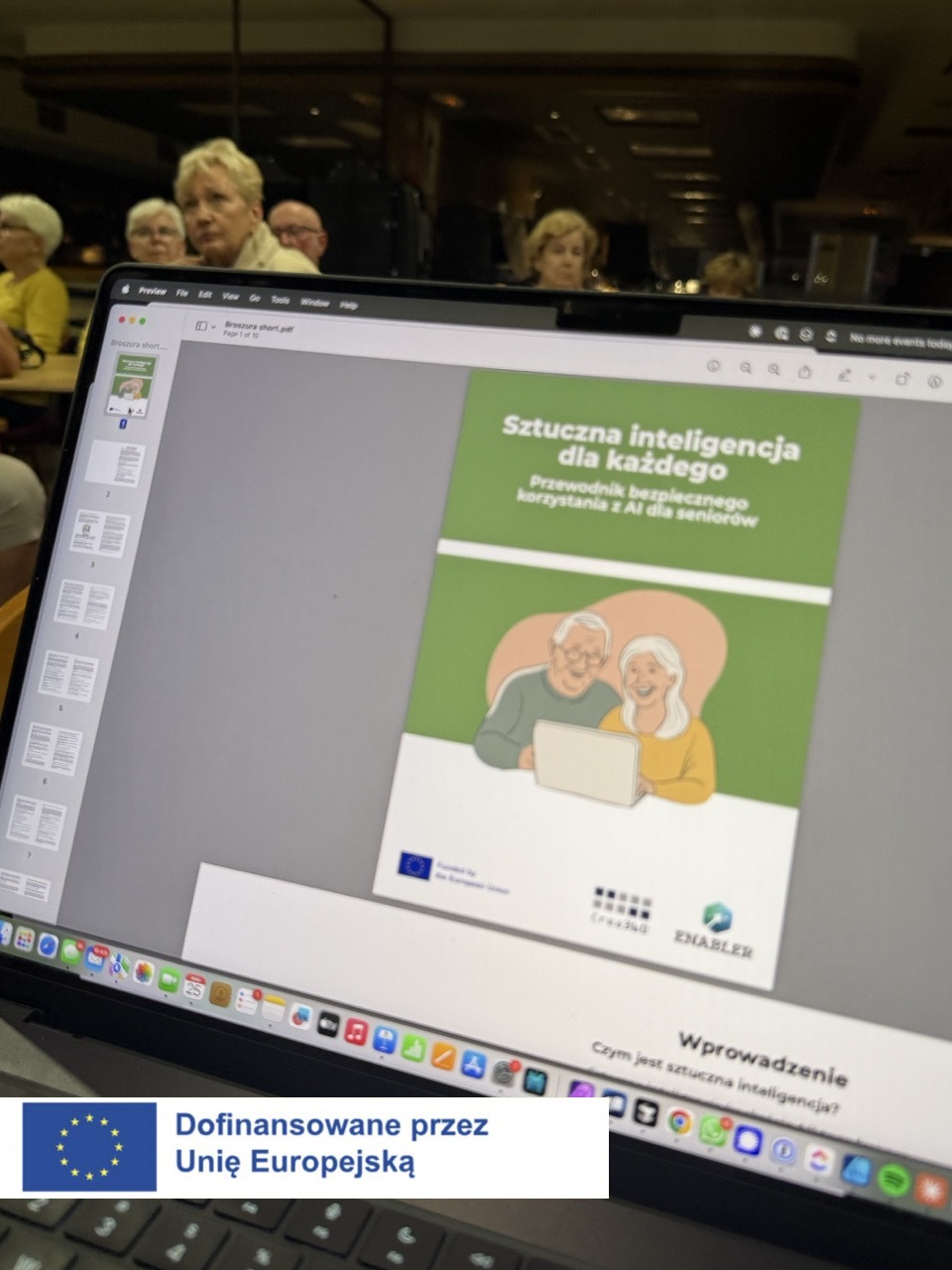
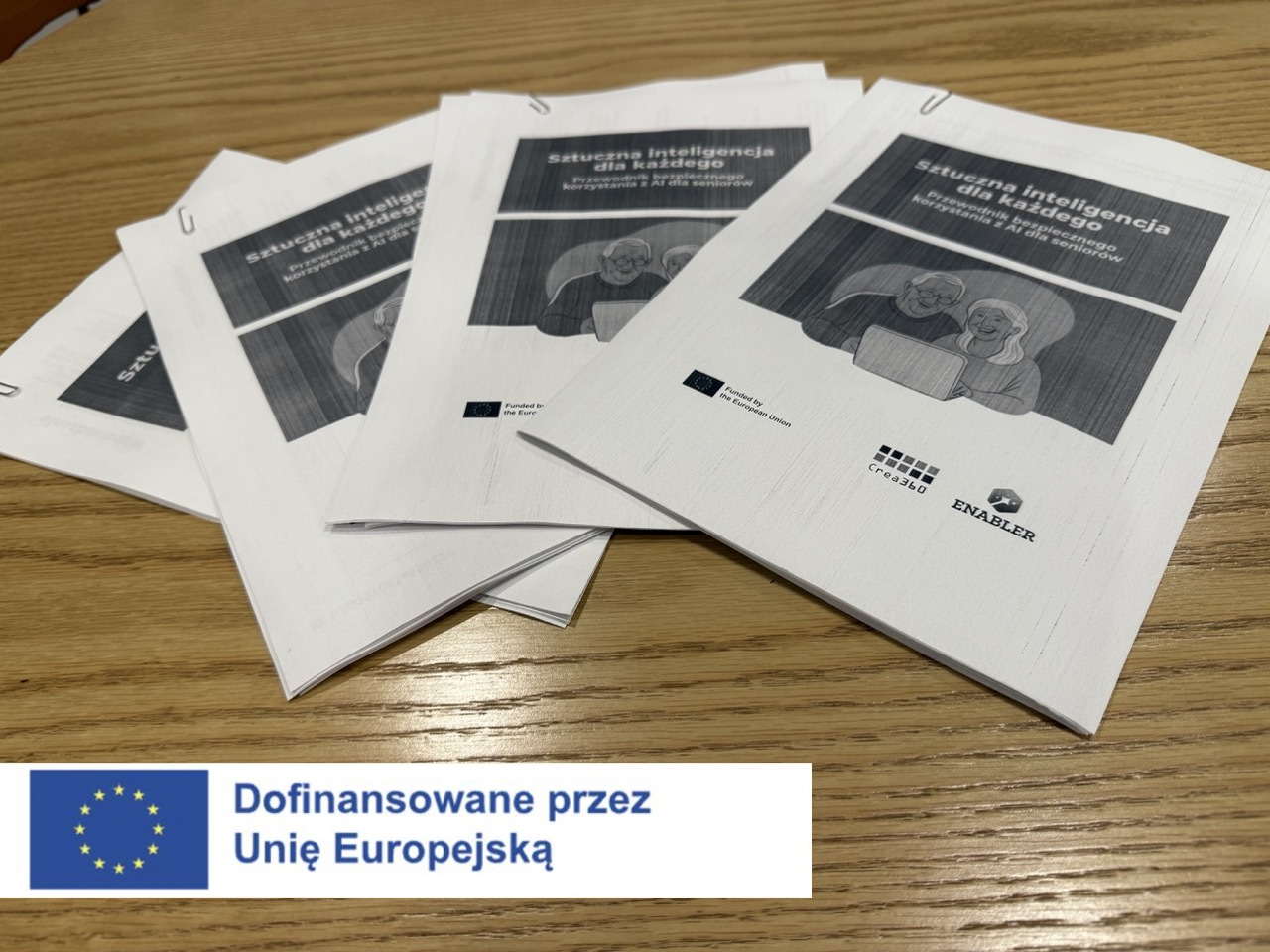
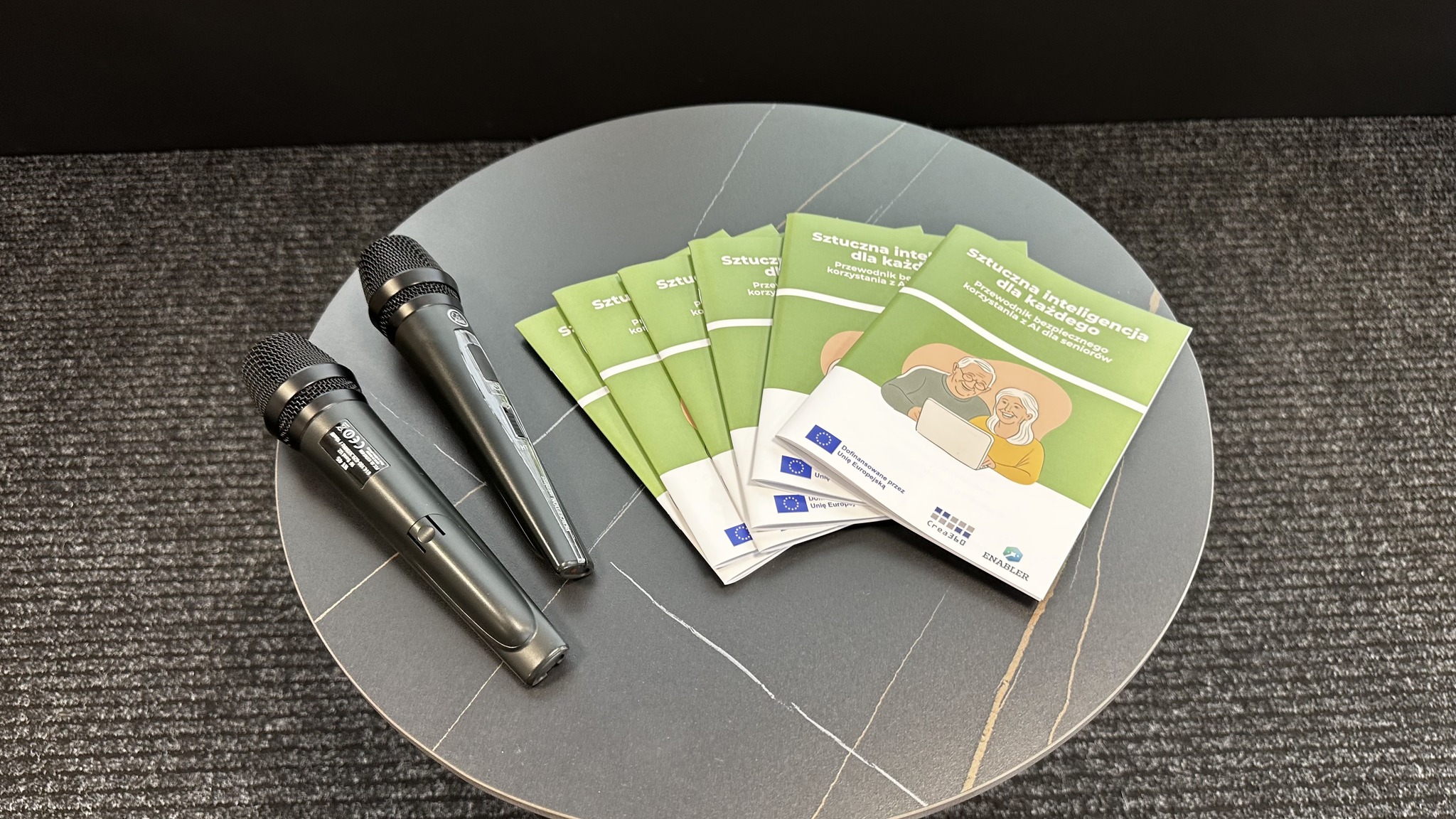
One of the intellectual outputs of the project is a brochure for seniors. Its aim is to educate seniors about conscious, safe, and critical use of artificial intelligence technologies.
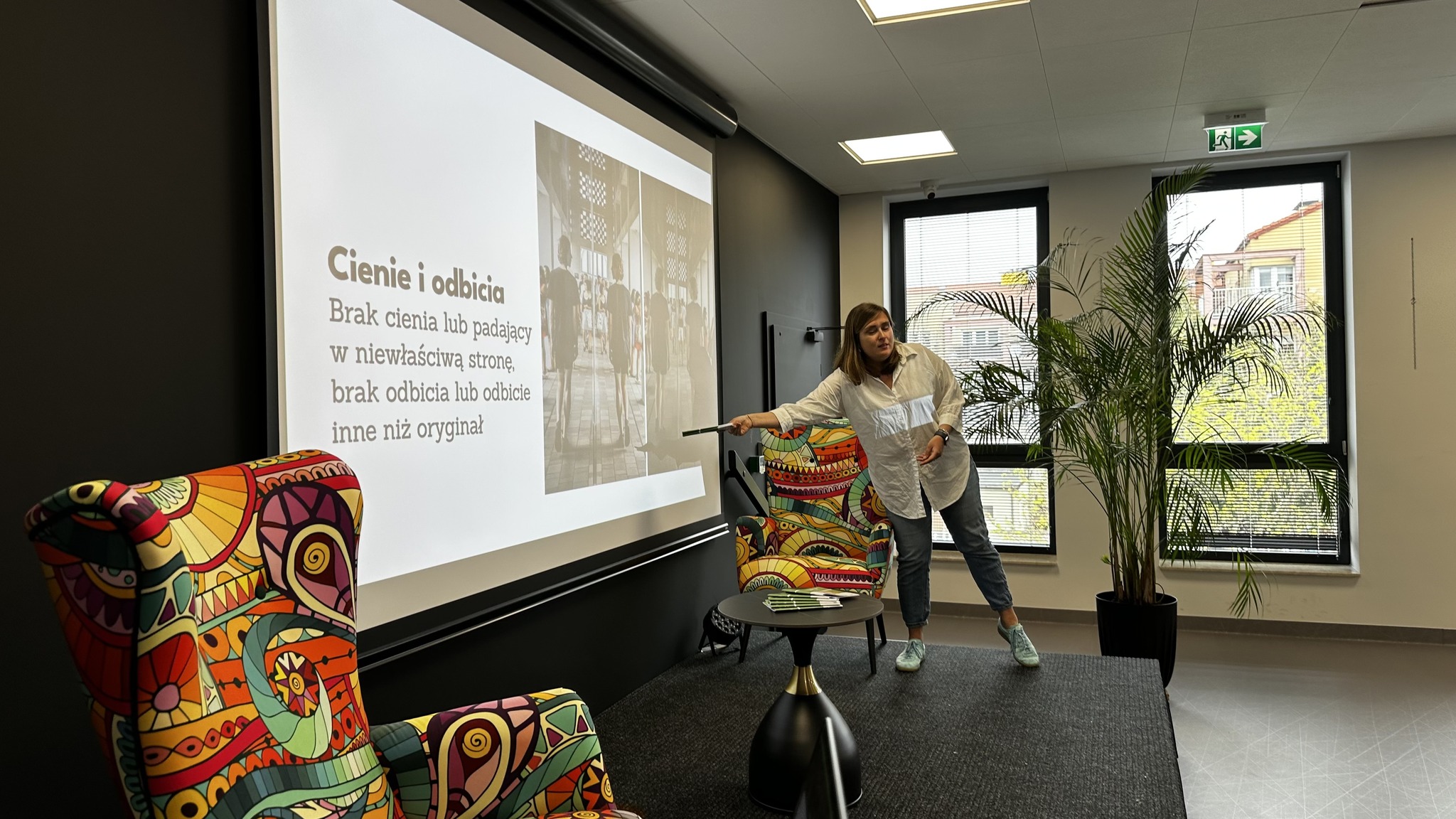
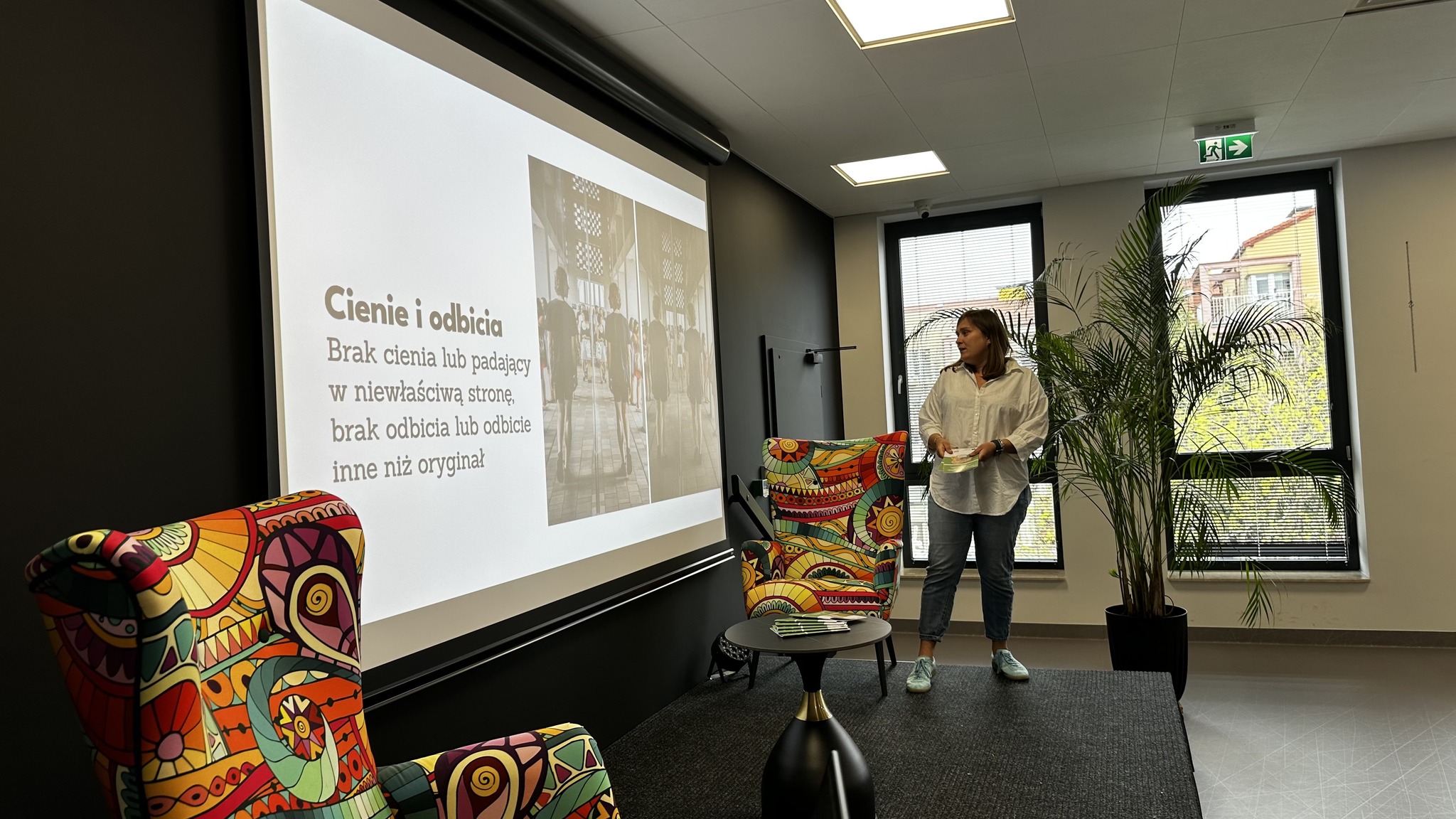
Seniors learn how to recognize AI-generated photos. The brochure presents 10 typical errors, including unrealistic hands and fingers, distorted eyes and teeth, strange connections of body elements, unrealistic reflections and shadows, lack of logic in scenes, distorted text and numbers, or errors in perspective and space. Each point is illustrated with a real-life example and a simple analogy (e.g., "a glove that doesn't fit").
Seniors learn:
Explains the concept of "prompting" as formulating queries to AI. Recommendations:
The brochure was prepared according to the PDF/UA standard, which means full accessibility for screen readers. Appropriate font size (14 pt), high contrast, left alignment, and alternative texts for graphics were used.

A simple and practical guide that helps seniors safely use artificial intelligence, protect their privacy online, and recognize digital threats.
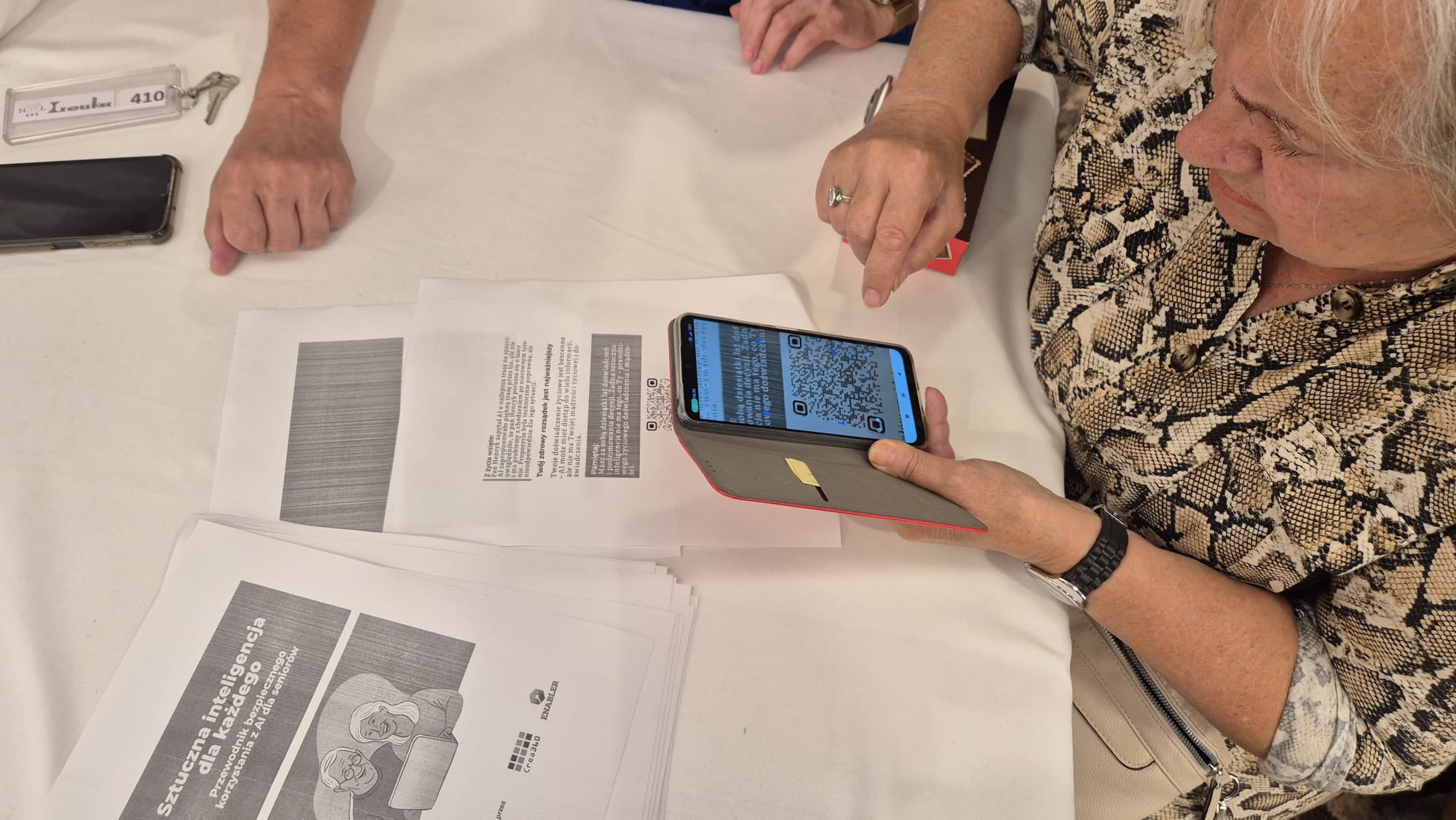
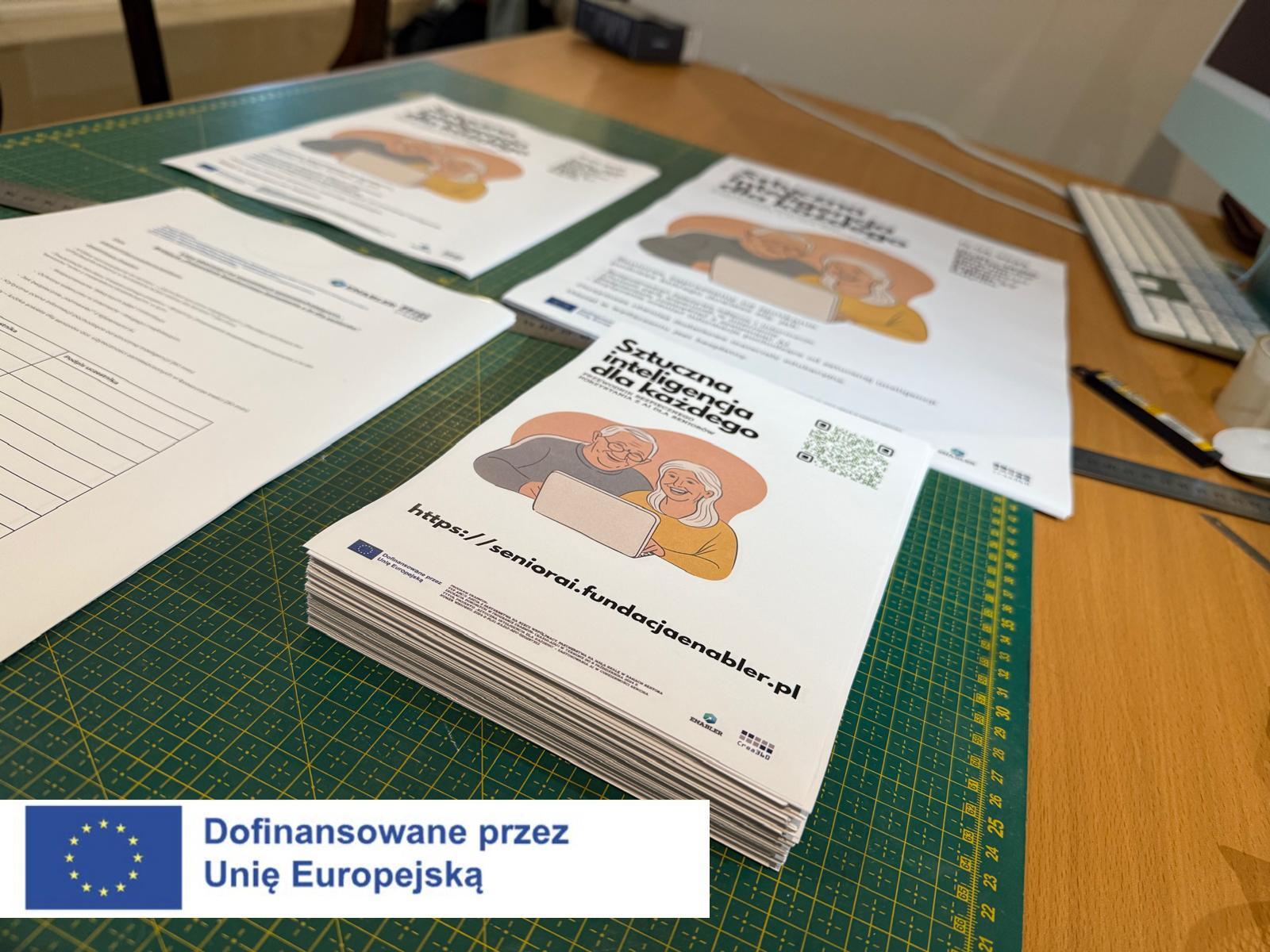
The “Artificial Intelligence for everyone: A Guide to Safe AI Use for Seniors” brochure has a digital supplement in the form of a dedicated website available at: https://seniorai.fundacjaenabler.pl
The website was designed with older adults in mind – featuring simple navigation, large fonts, and contrasting colors, making it friendly and accessible for people with special visual or motor needs.
Contains an interactive guide with examples of AI-generated photos and detailed discussion of characteristic errors (e.g., unnatural hands, facial distortions, incorrect shadows, perspective errors). Seniors can see how these errors look in practice – making learning more intuitive and engaging.
Section includes practical tips on privacy settings for popular social media platforms (Facebook, Instagram), information about image rights, and examples of dangerous everyday situations. It also contains templates for messages that can be used when someone violates user privacy.
Presents principles for formulating queries to AI systems safely and anonymously. It includes examples of "good" and "bad" prompts, along with explanations of why some are safe while others risk data exposure. Seniors learn how to avoid unconsciously sharing sensitive data.
This section focuses on developing awareness that AI is not an authority but a tool. Users learn about AI "hallucinations," how to verify responses, and the difference between knowledge and knowledge simulation. Common AI myths are also presented and debunked in an accessible way.
The website includes a section with downloadable educational materials in PDF format, including:
The website was designed according to WCAG 2.1 principles, meaning it can be easily used by blind and visually impaired people with screen readers. It features high contrasts, simple content layout, and friendly headers.

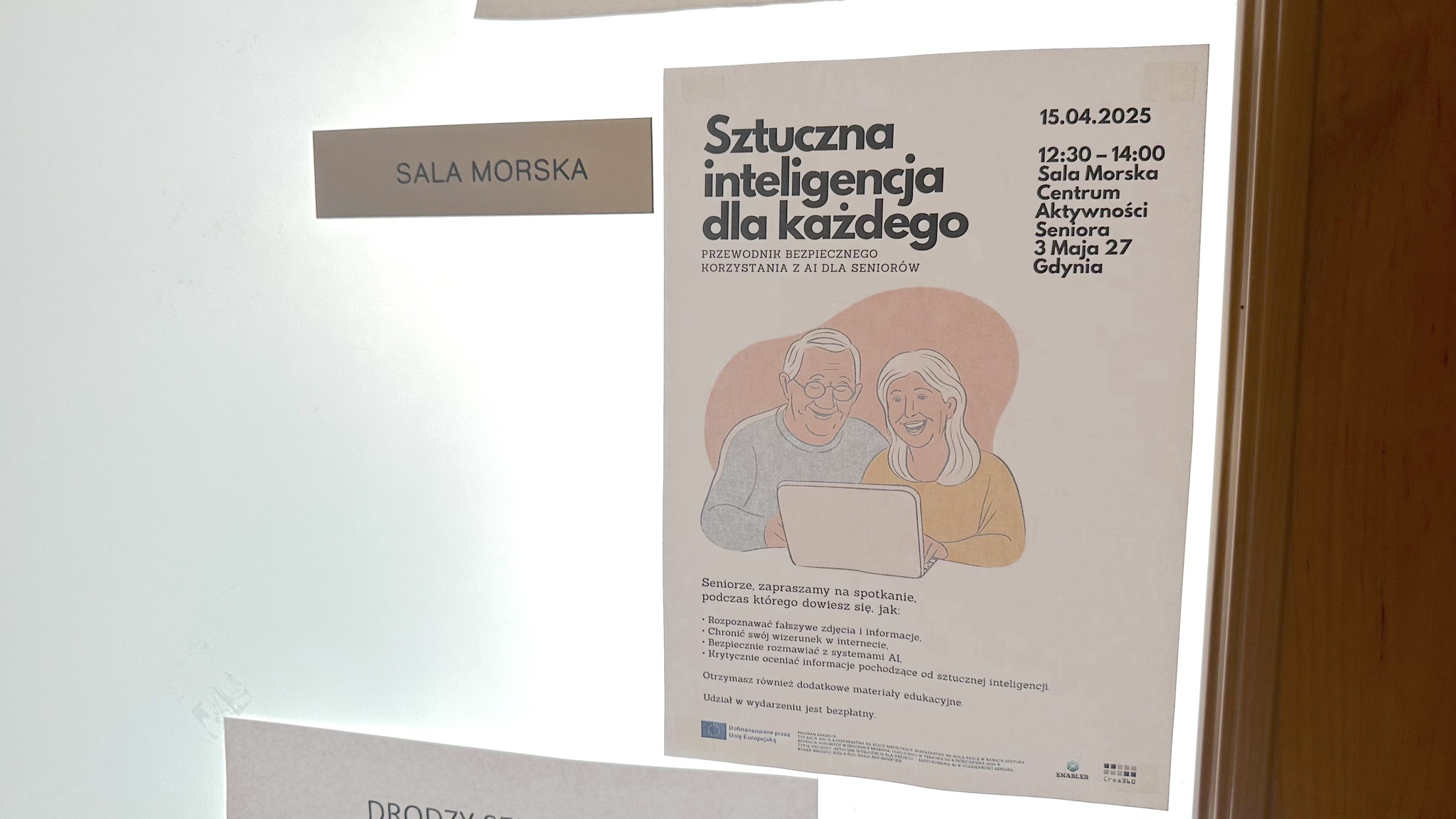
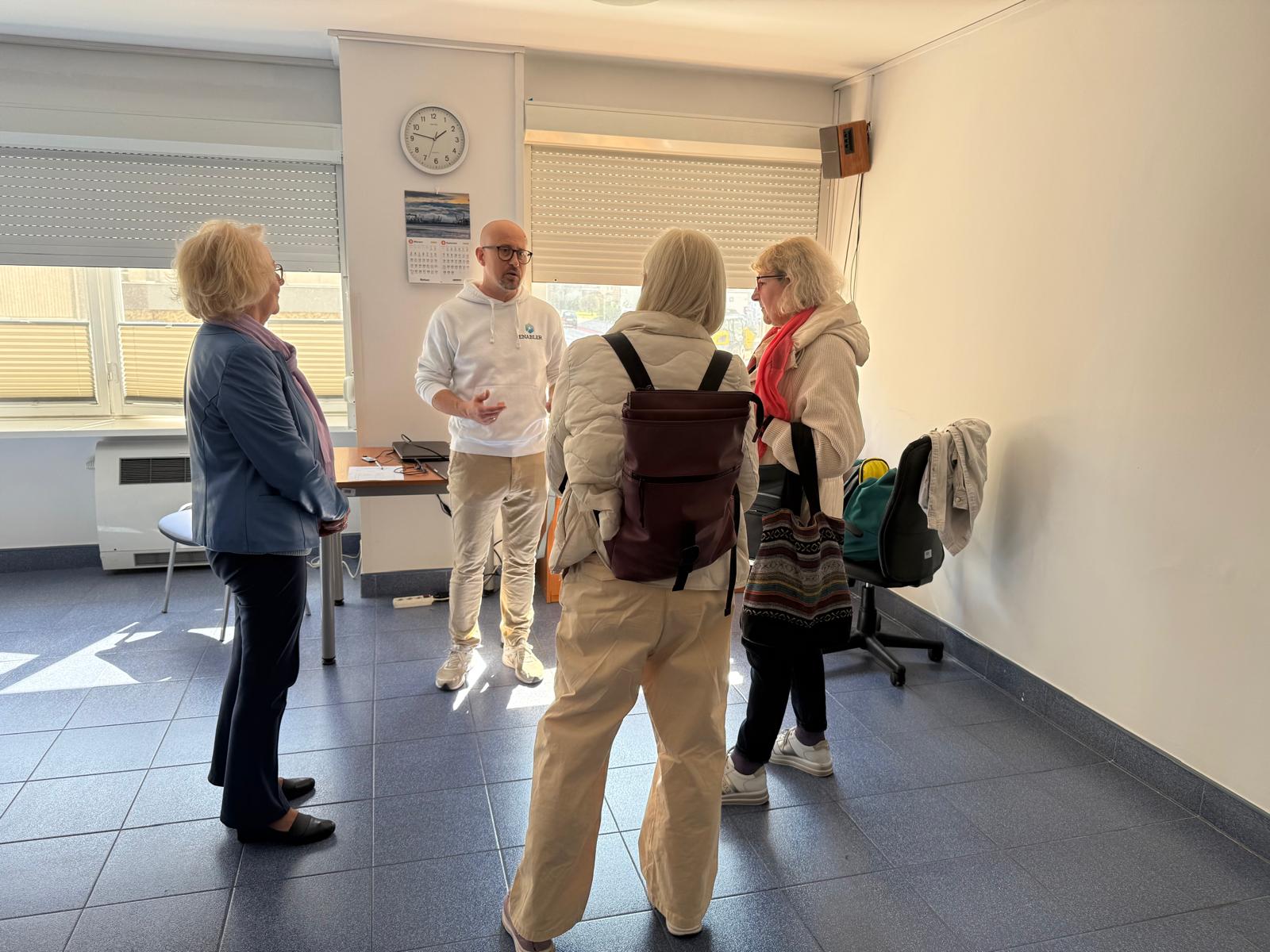
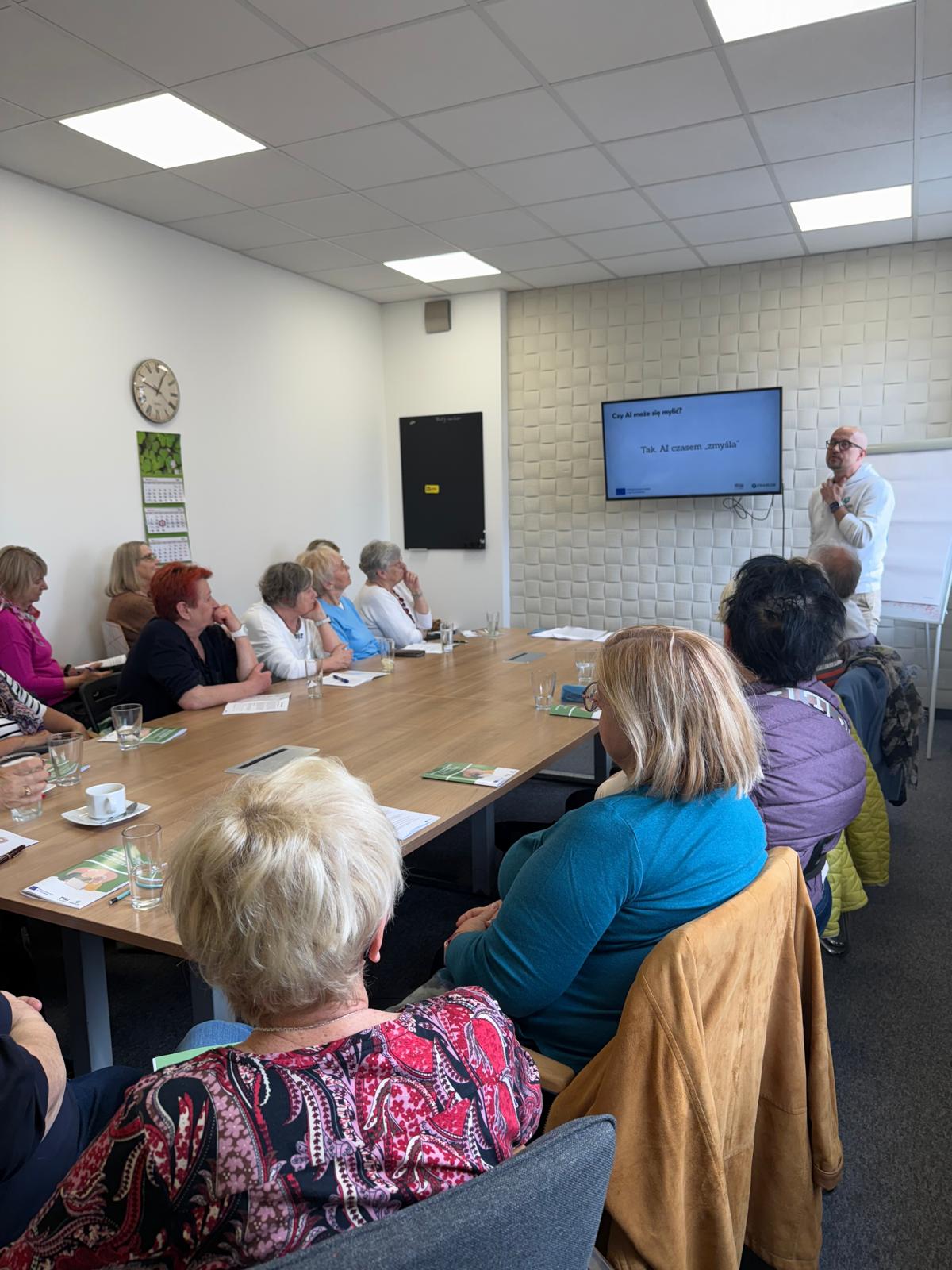
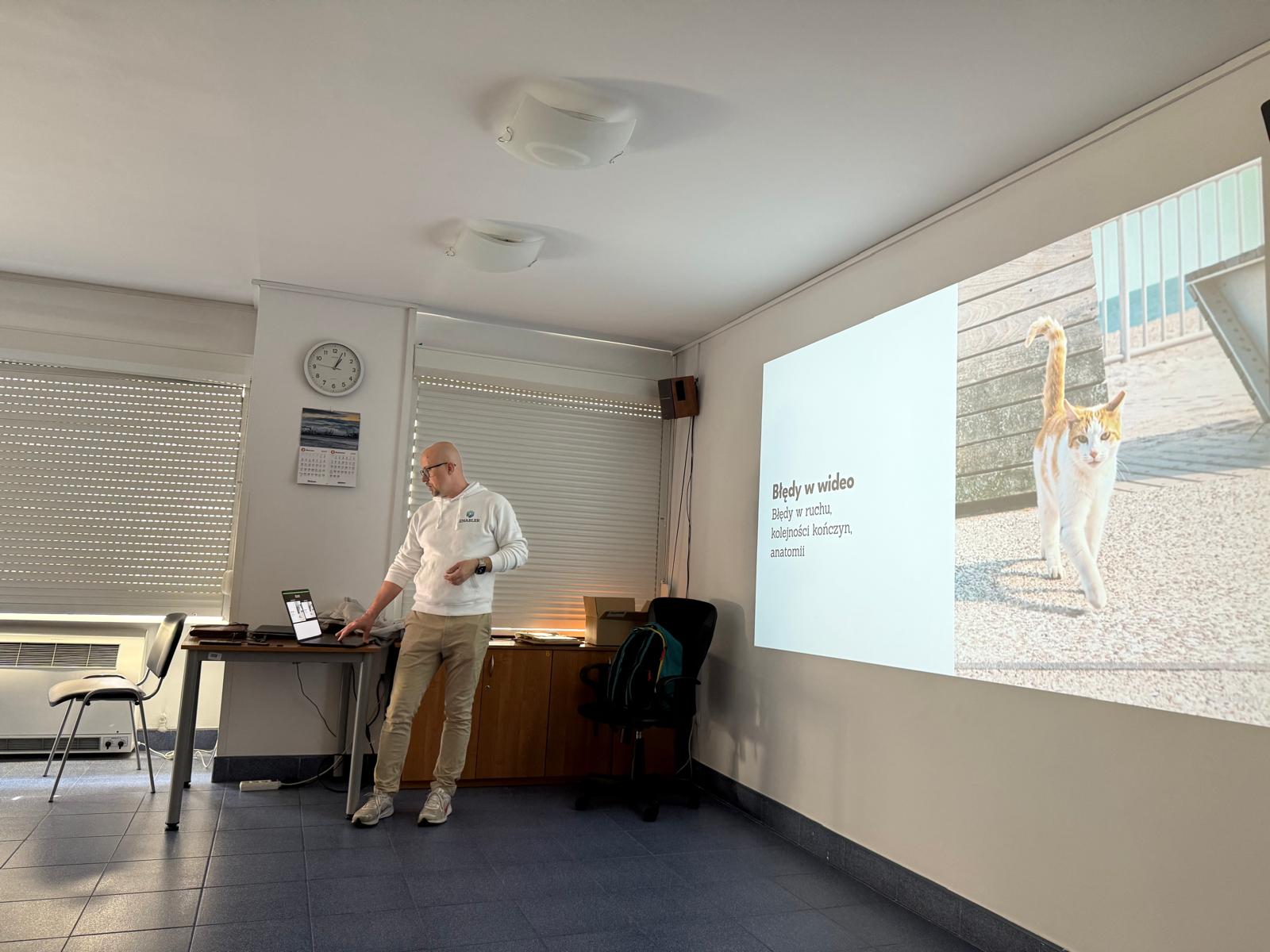
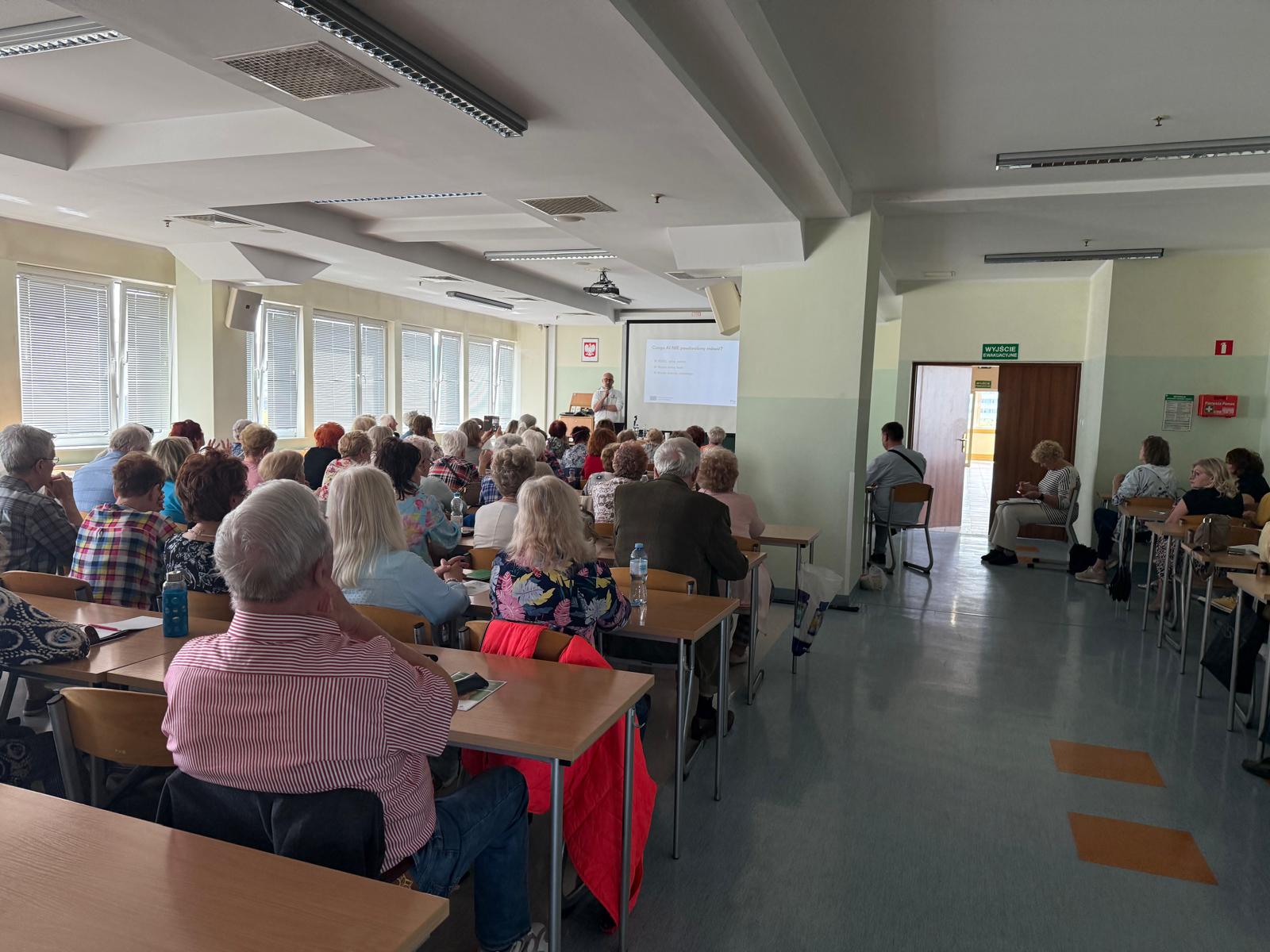
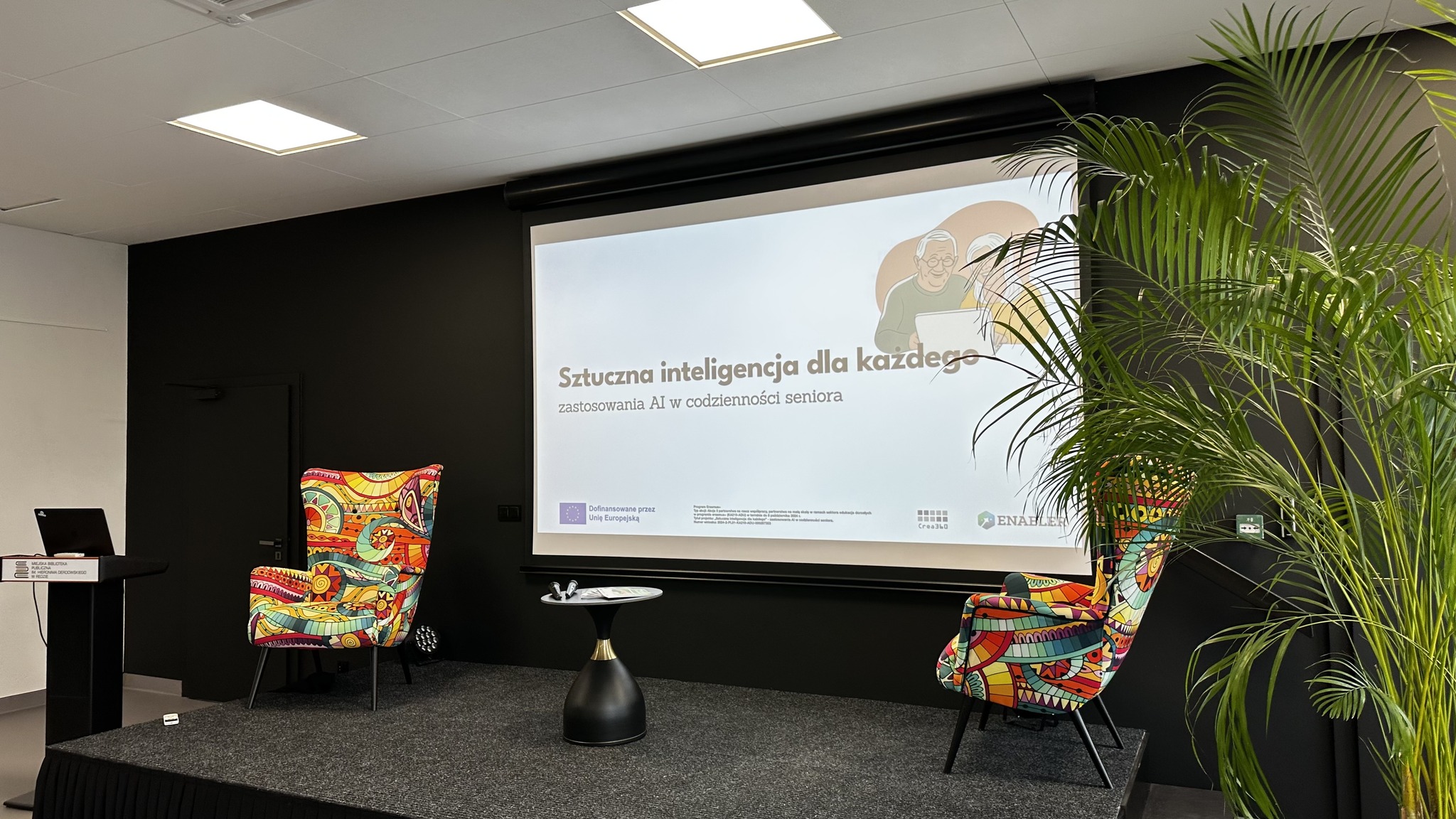
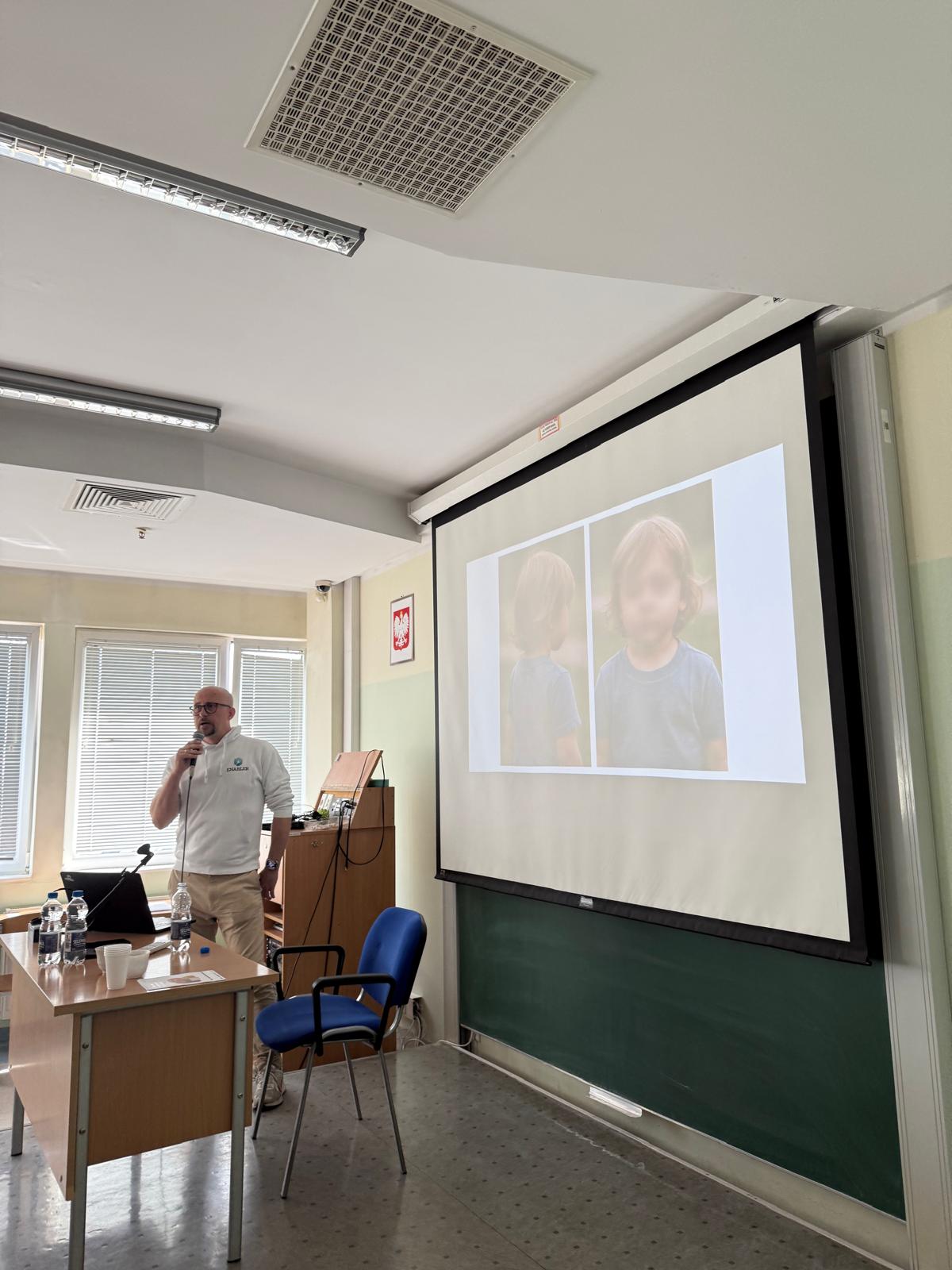
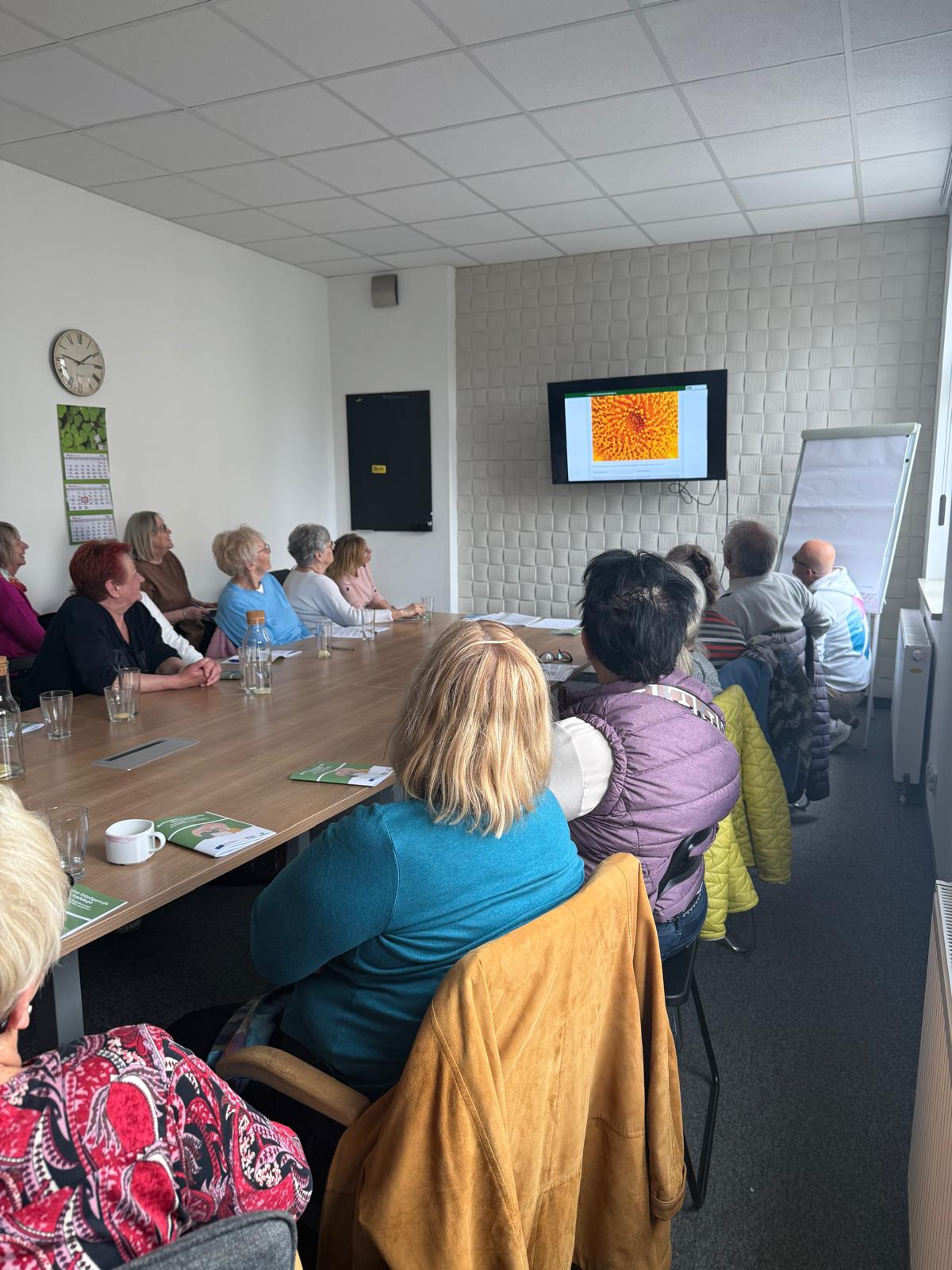
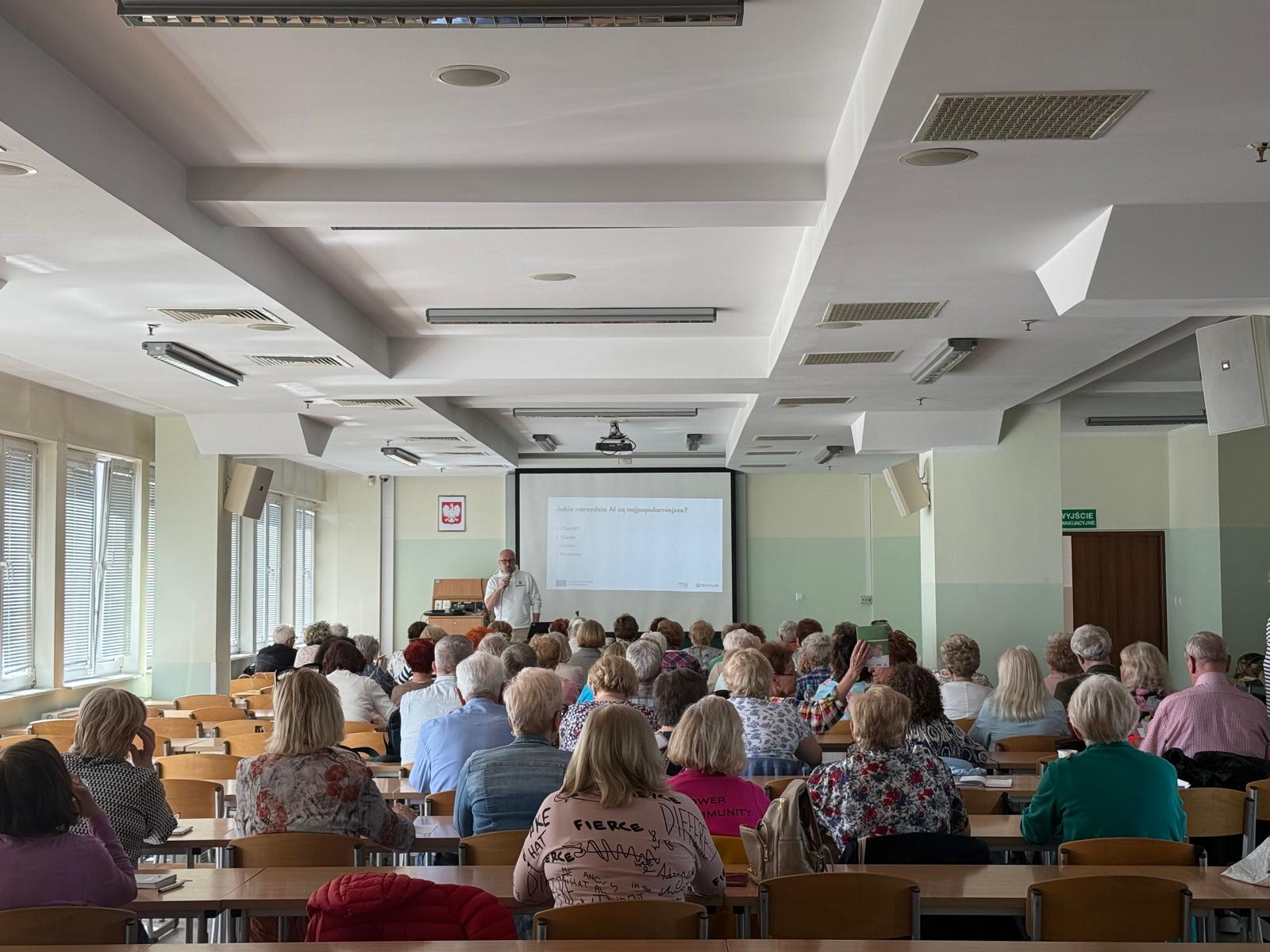
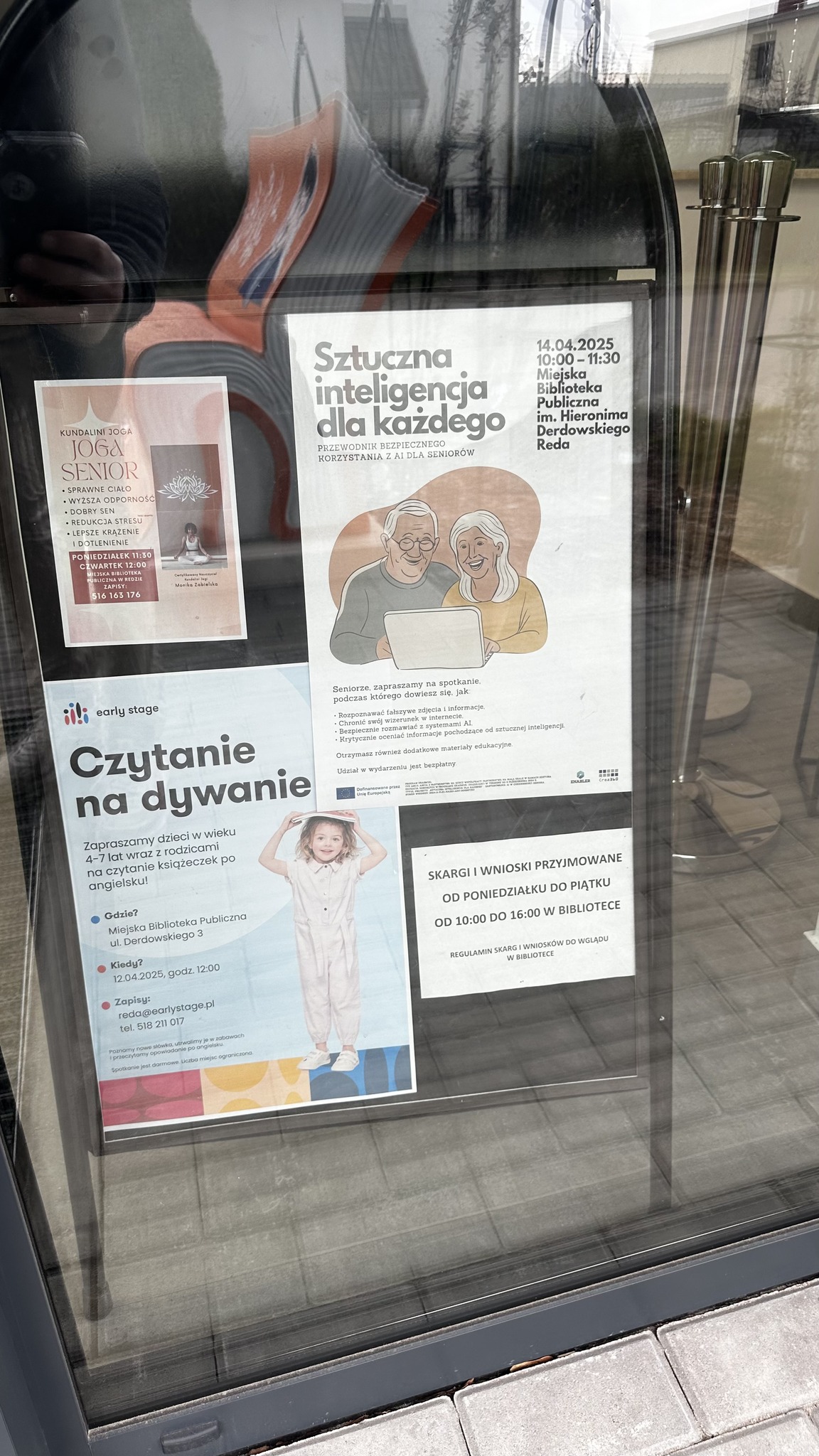
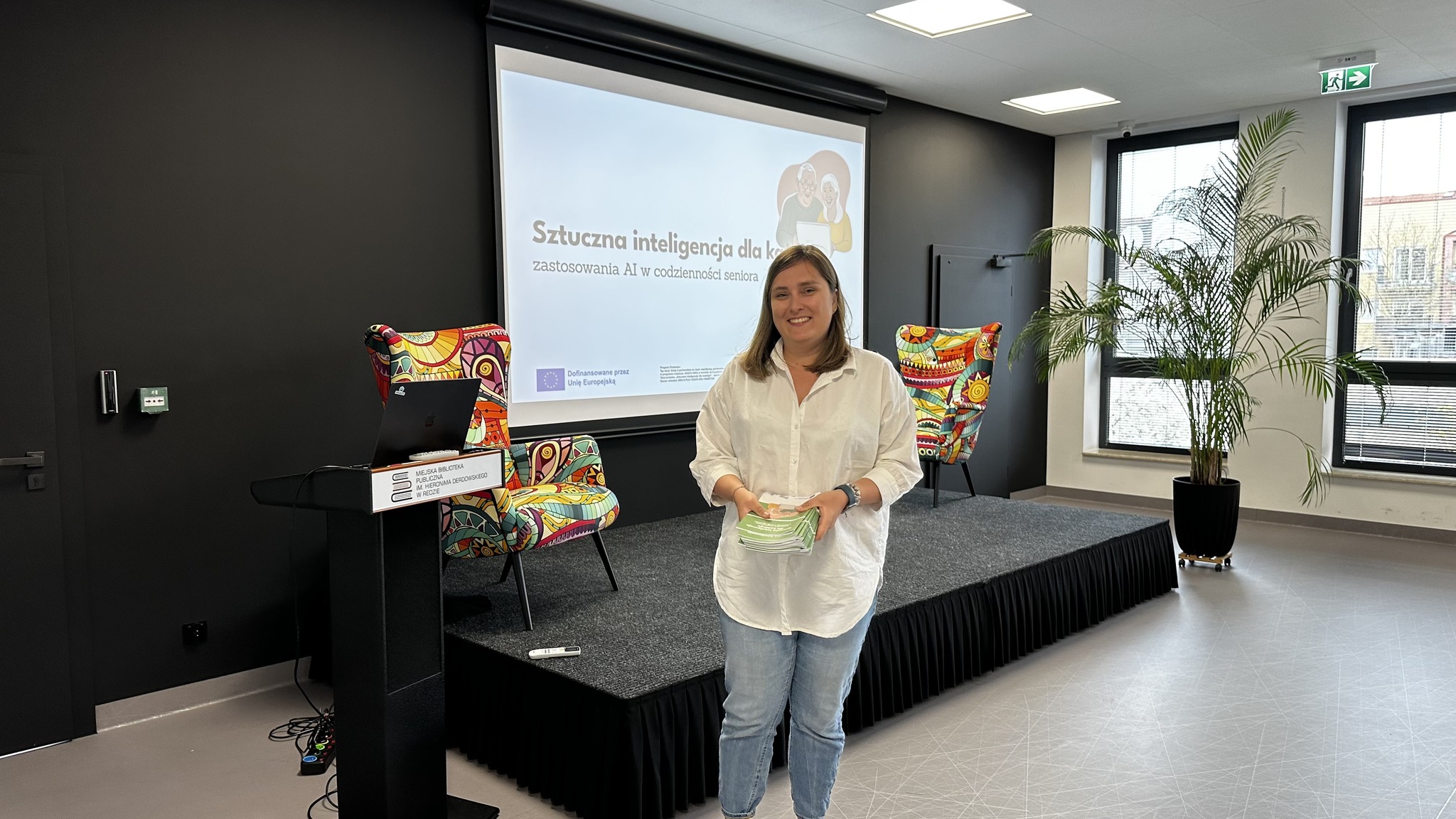
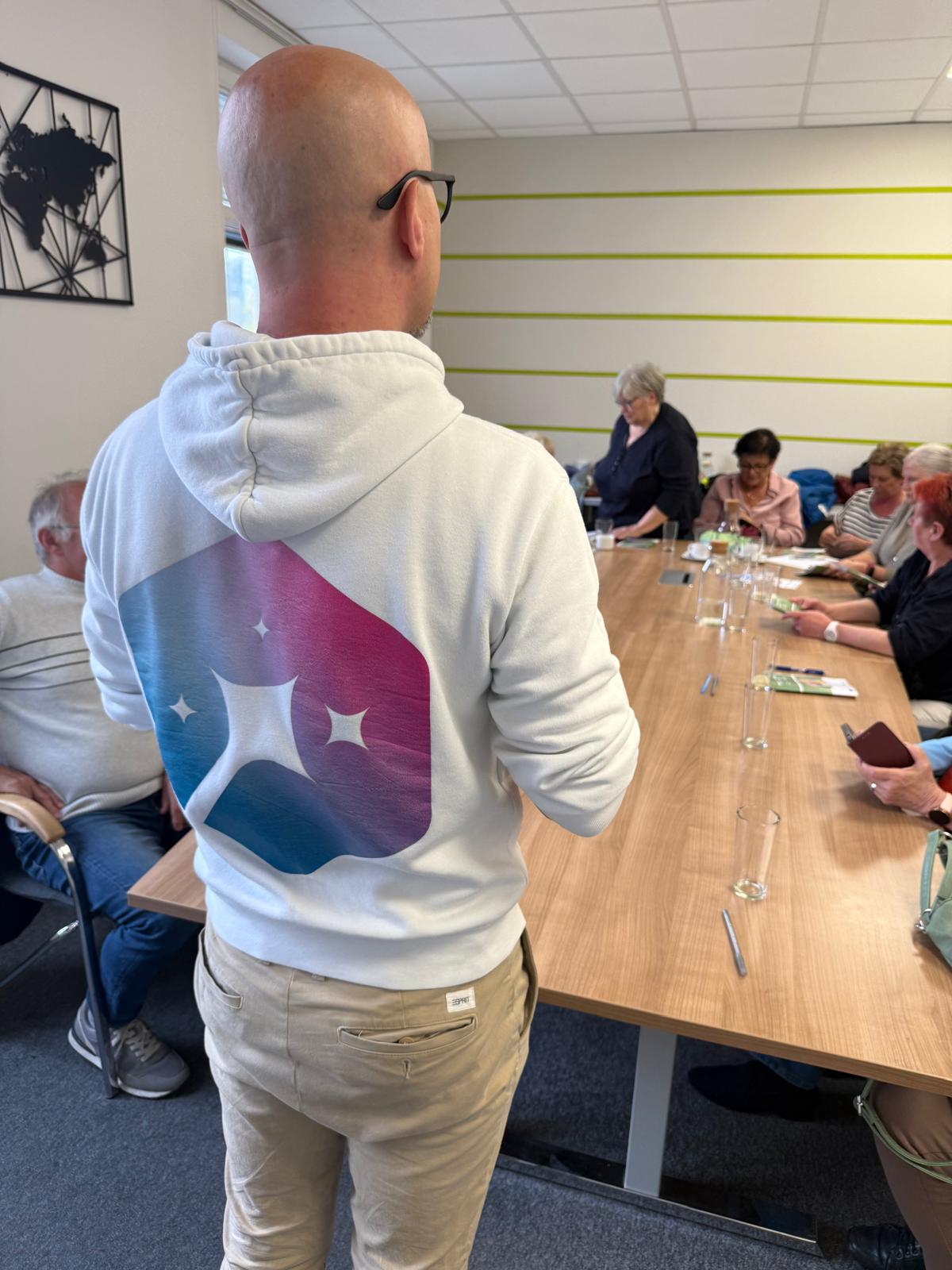
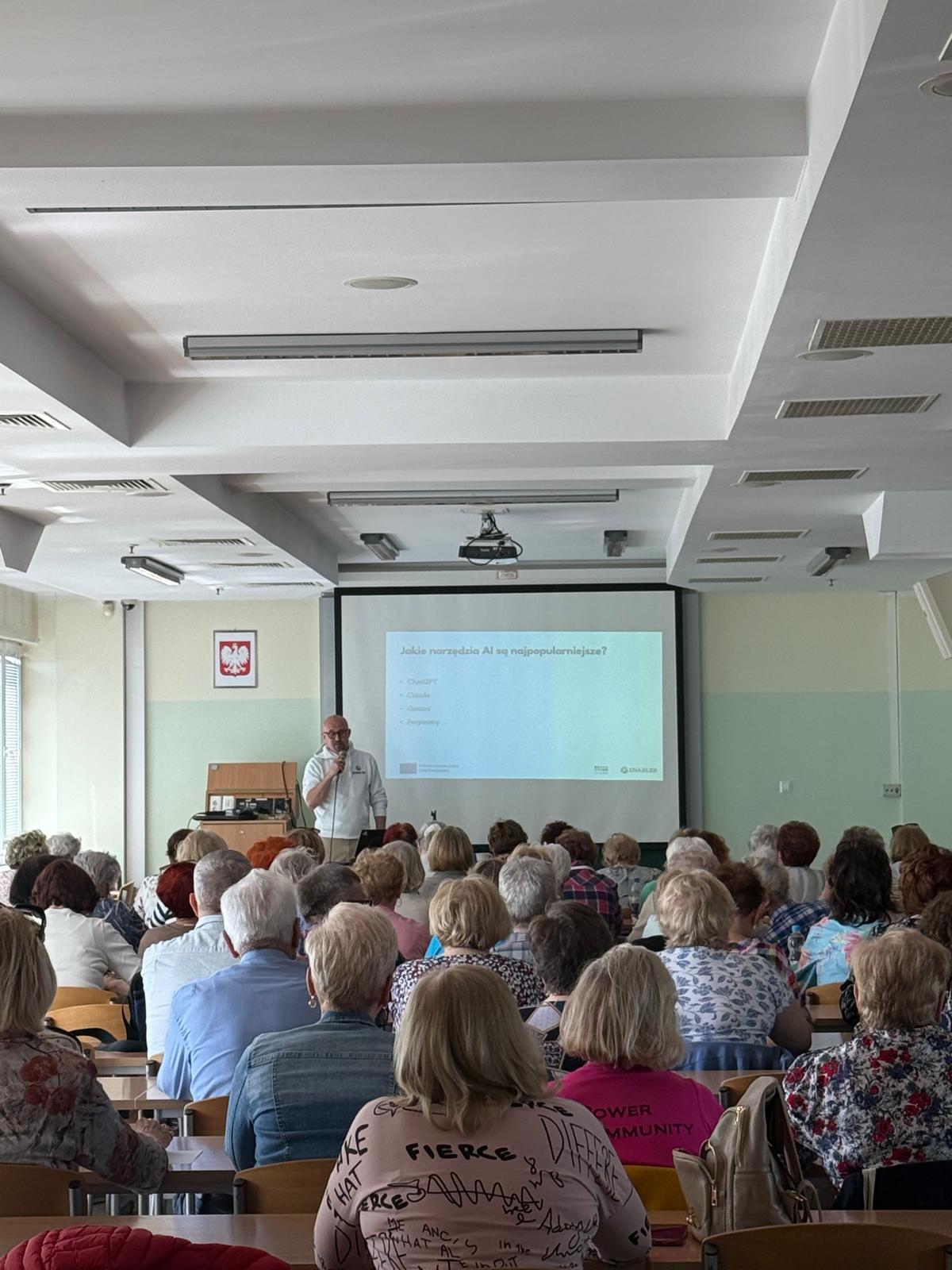
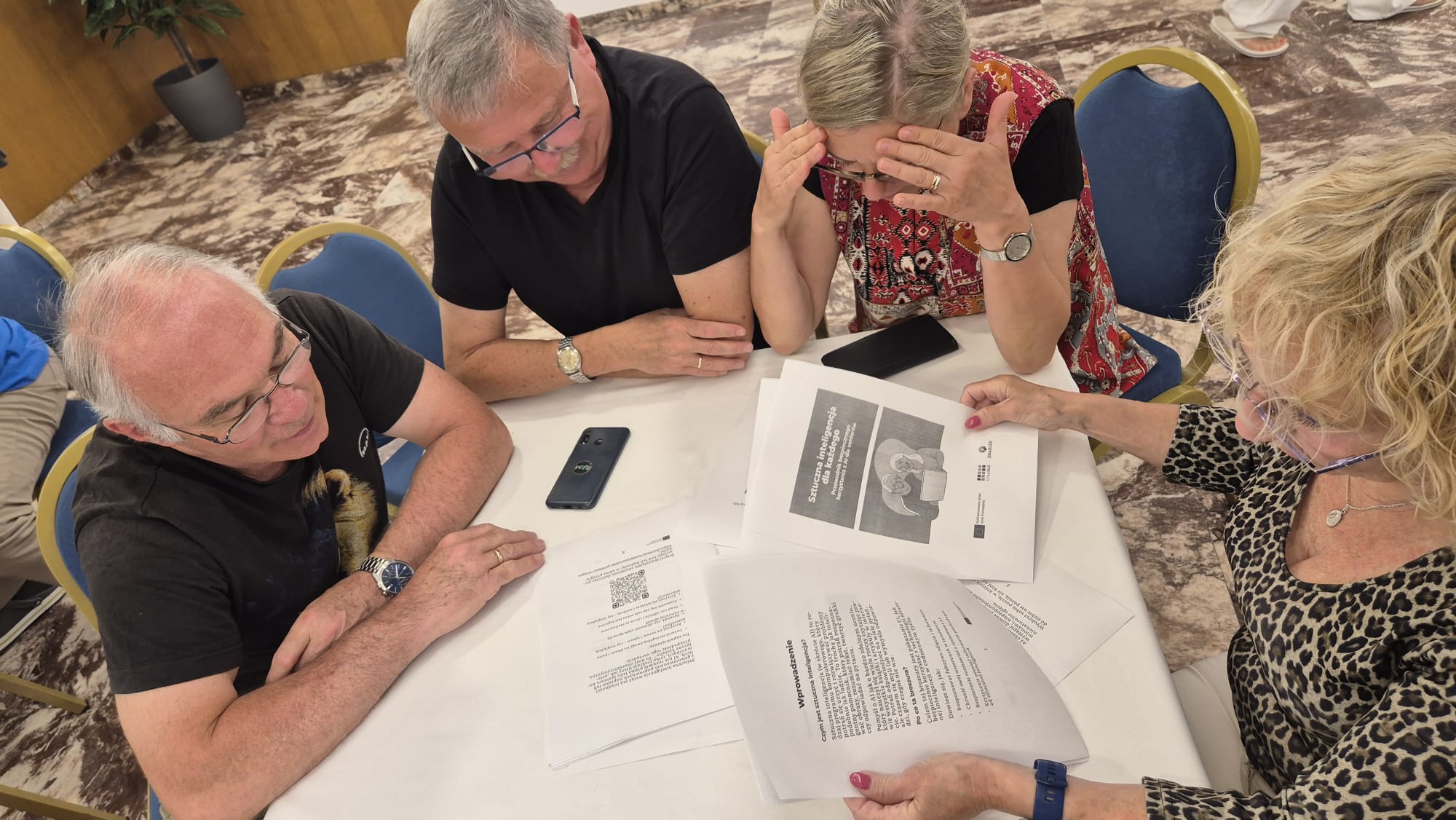
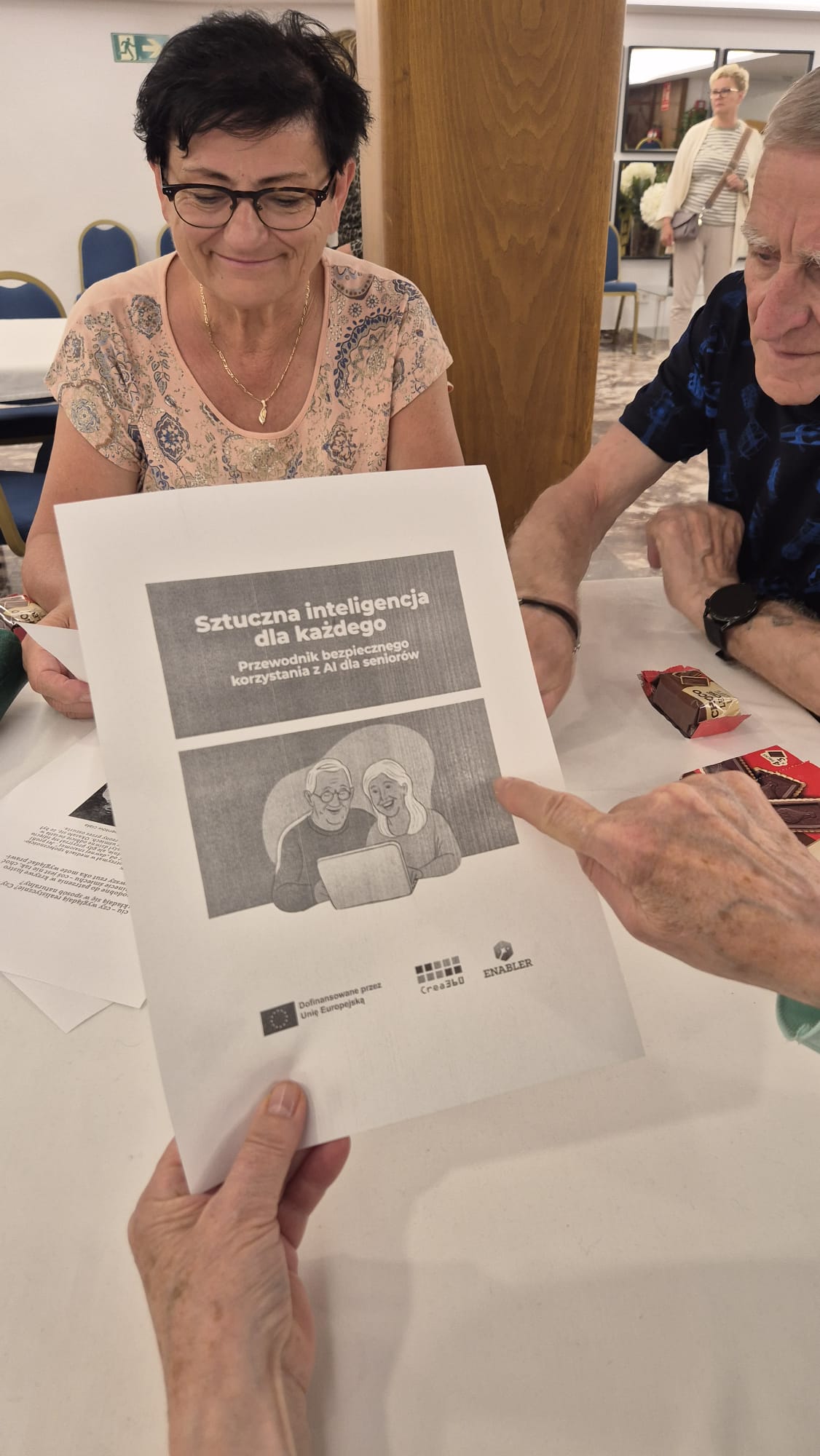
Based on the content of the “Artificial Intelligence for everyone: A Guide to Safe AI Use for Seniors” brochure, Enabler Foundation trainers conducted a series of practical educational workshops for older adults. The activities took place from March to April 2025.
As part of local activities, cooperation was established with several non-formal education centers, including the University of the Third Age in Reda, the Senior Activity Center in Gdynia (operating at UTW Gdynia), the Medical University of the Third Age in Włocławek, as well as with a group of participants regularly attending educational programs conducted by the Enabler Foundation. The meetings aimed to disseminate knowledge about artificial intelligence, develop a critical approach to AI-generated information, and teach digital security and privacy protection principles.
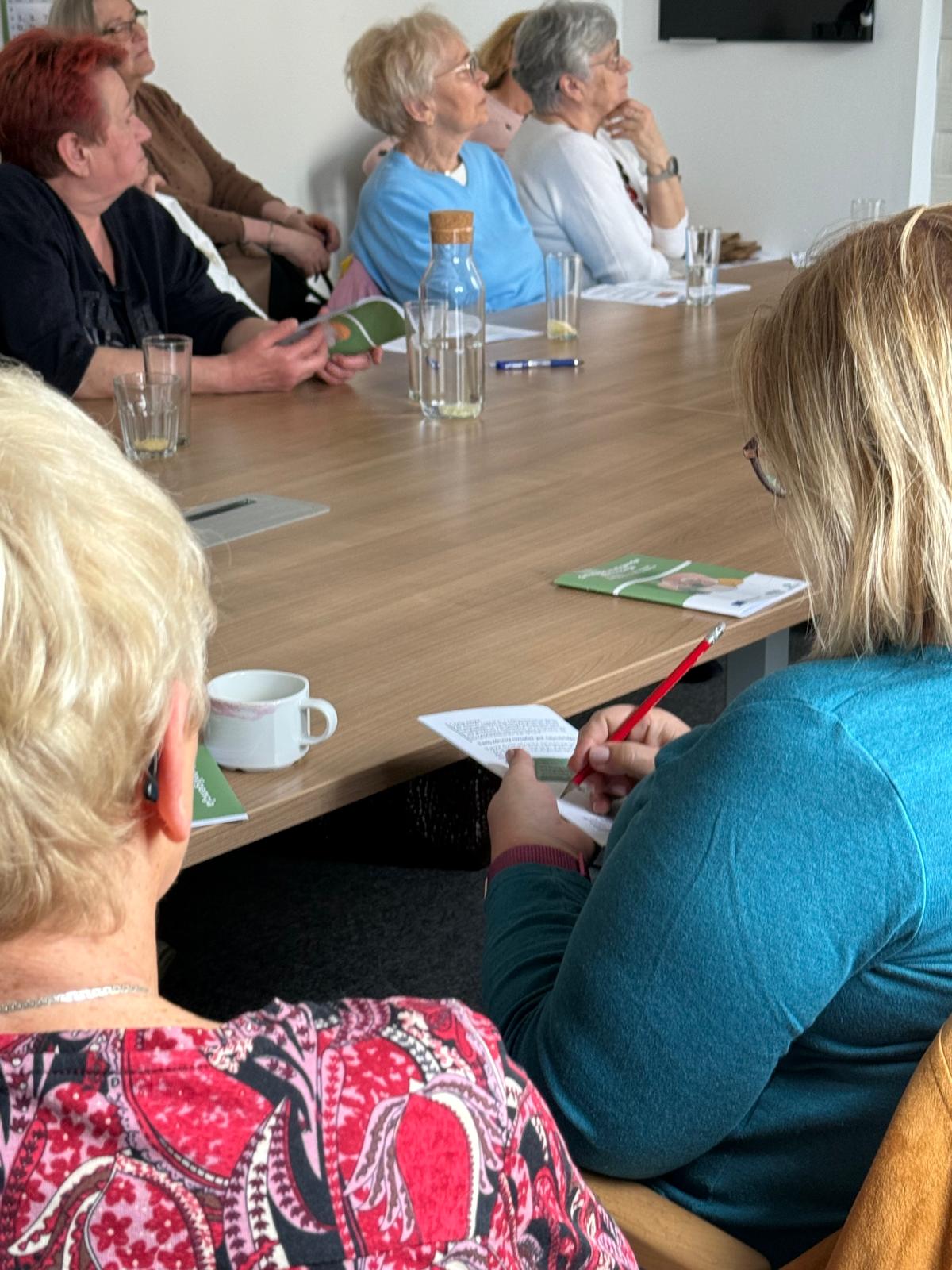
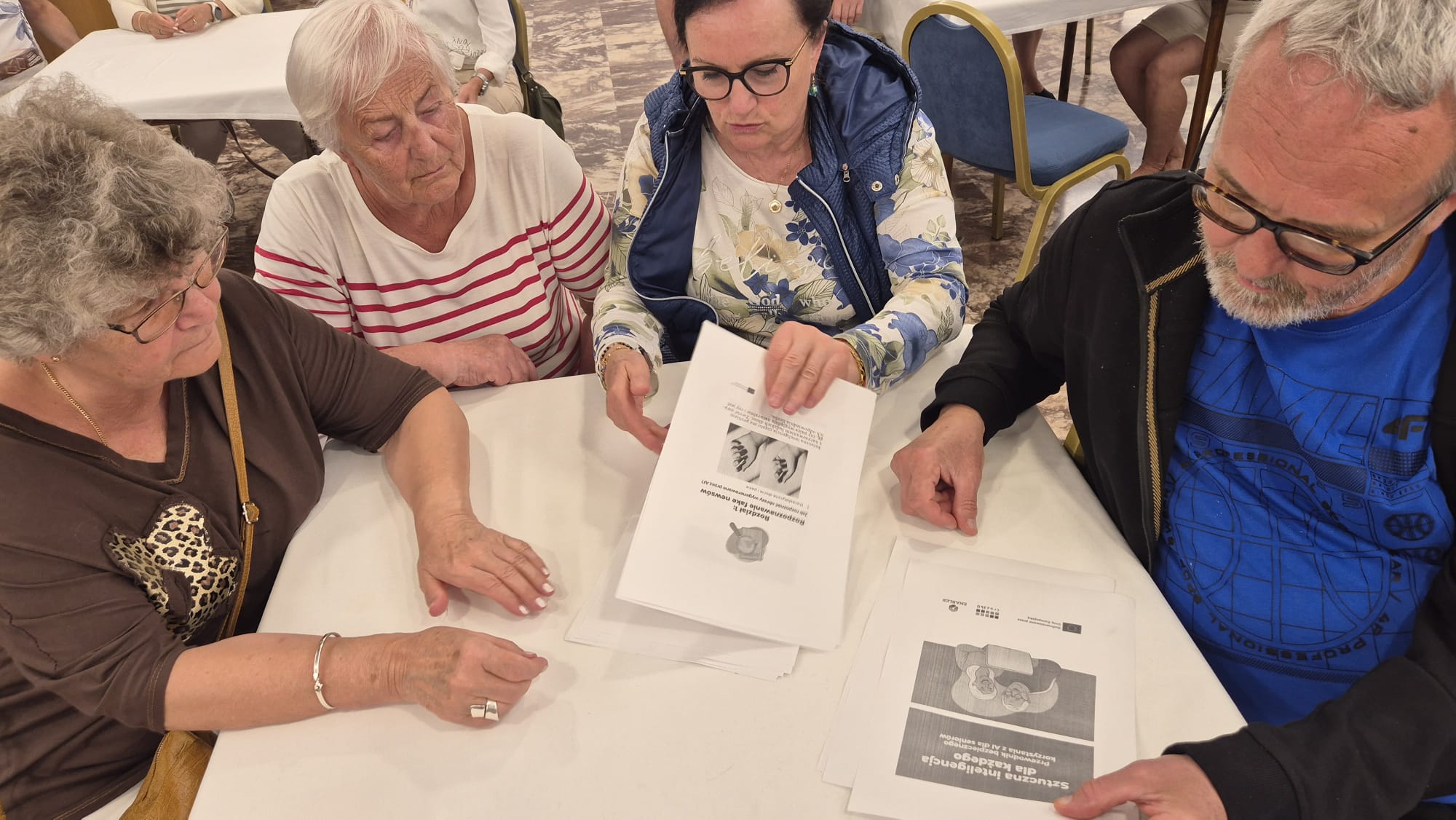
Each participant received a printed version of the brochure, which served as a starting point for discussions and practical exercises, along with a set of additional materials specially prepared for older adults. These materials included:
Over 250 seniors participated in the workshops, confirming the high demand for this type of educational activity among this age group. The high attendance and very positive reception from participants confirmed the need to continue activities in building digital competencies of older adults, taking into account security, critical thinking, and responsibility for shared data.
As part of the project, a script for educators working with seniors is being developed – work on the publication will be completed in June 2025.
The script will contain 18 workshop scenarios:
You can find the script in the following section.
A couple of photos showing our activities.